Understanding Site Health
Site Health represents the overall health of your website in a chart.
You can view the Site Health chart in your website’s Security Report page.
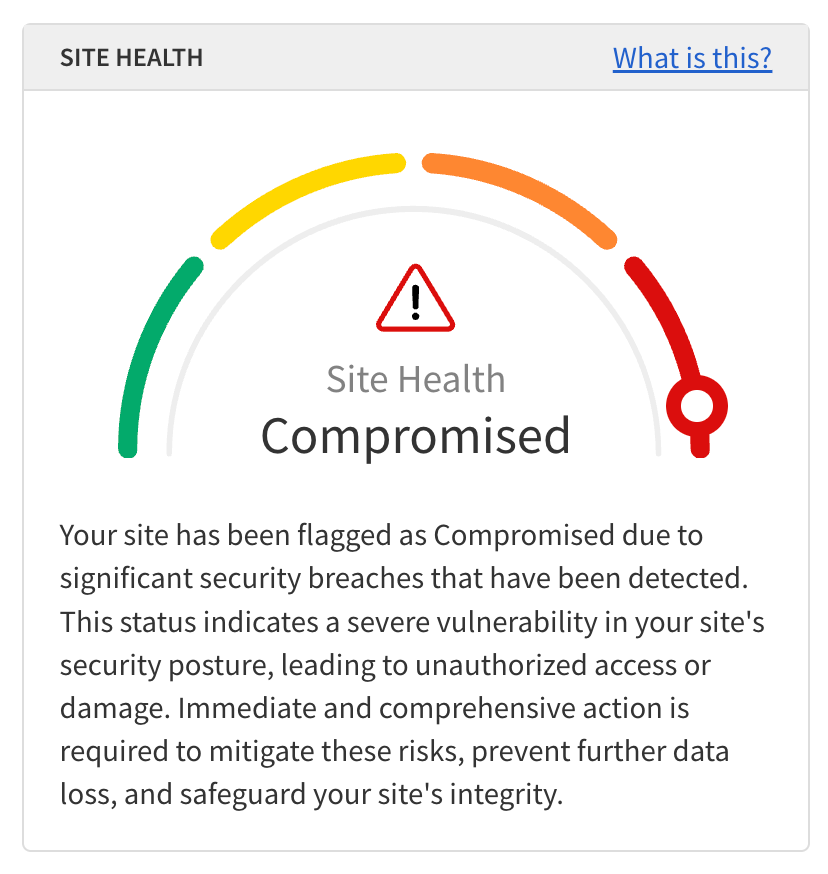
Site Health is calculated using the following metrics:
-
SMART File Scan
-
SMART Database Scan
-
Vulnerability Scan
-
Webpage Scan
-
SMART Patch
-
SSL Monitor
-
Email Reputation
-
Backup & Recovery
-
Product configuration status
The following table describes each possible status of Site Health:
| Status | Description | ||
|---|---|---|---|
Unavailable |
Status is unavailable as no security scans have run or no subscriptions are active. |
||
Healthy |
Your site’s security is in excellent condition. No malware, vulnerabilities or configuration issues were detected. |
||
At risk |
Your site has low-severity threats in one of your web applications. These threats can allow attackers to alter or inject content. This status may also indicate incomplete SiteLock configuration. Address these issues promptly to prevent further infections. |
||
Impaired |
Your site has moderate-severity threats that can allow attackers access to files or databases and inject unwanted content. Immediate action is required.
|
||
Compromised |
Significant security breaches have been detected. Unauthorized access or damage has occurred. Take immediate and comprehensive action to mitigate threats and protect your site’s integrity. |
||
Analyzing |
Your site is undergoing a detailed analysis to assess its security posture and identify potential vulnerabilities or threats. |
| For accounts with multiple websites, the Sites panel in the Overview page shows a high-level summary of the site health of all websites. For more information, see Multiple sites overview. |