Understanding Email Reputation Scan
The Email Reputation Scan tool checks whether your email domain appears on major blacklist services, Spamhaus and SURBL.
-
Blacklist checking — Scans your email domain against major blacklists to identify any listings that may impact email deliverability.
-
Improved deliverability — Helps ensure your emails reach recipients' inboxes by identifying and addressing blacklist issues.
The results of the scan are displayed on the Email Reputation Scan page.
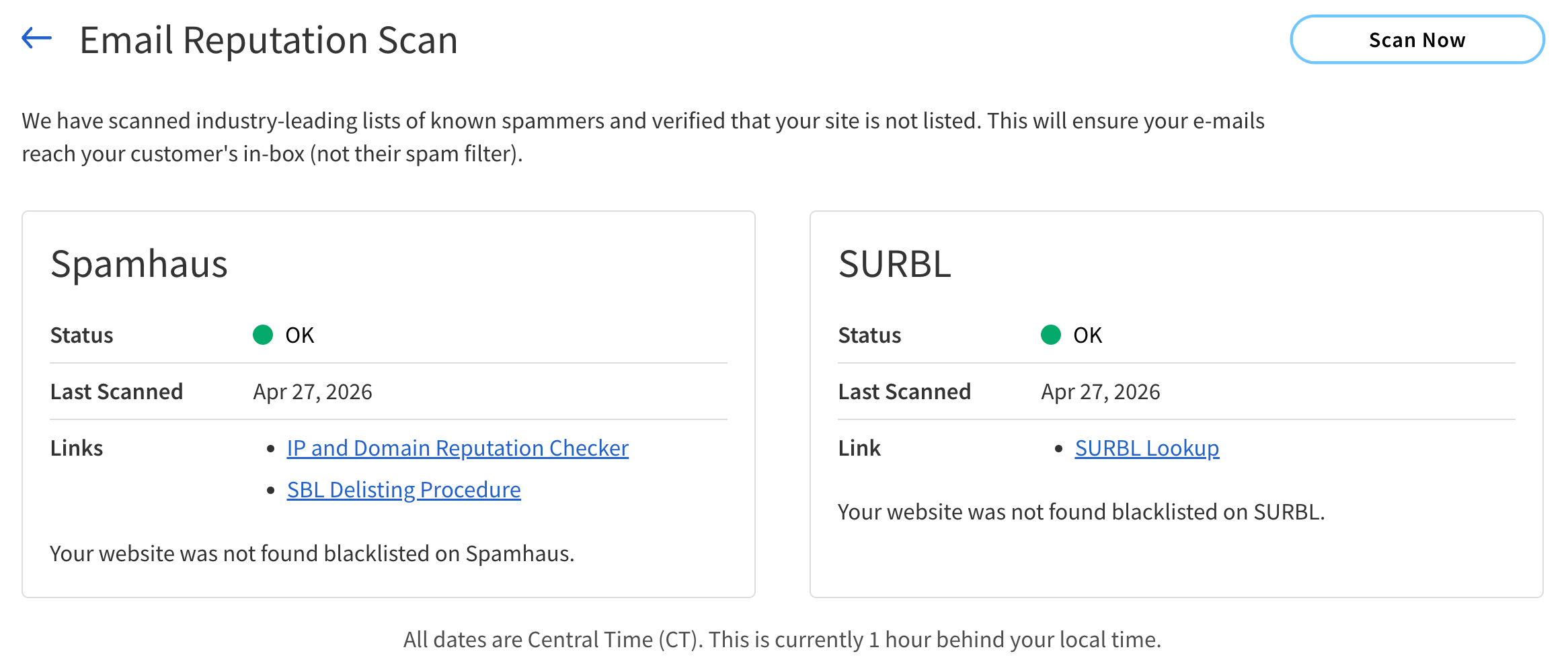
The following table describes the components of the Email Reputation Scan page.
| Component | Description |
|---|---|
Spamhaus |
|
Status |
The status indicating whether the site is listed on the Spamhaus spam‑filtering database. The possible values are:
|
Last Scanned |
The date and time of the most recent scan performed. |
Links |
Links to resources. The links include:
|
SURBL |
|
Status |
The status indicating whether the site is listed on the SURBL spam‑filtering database. The possible values are:
|
Last Scanned |
The date and time of the most recent scan performed. |
Links |
Link to resources. The available link is:
|