Submitting support tickets
The Create Support Ticket form in the SiteLock Dashboard helps you request assistance with SiteLock services or dashboard features.
Submit a support ticket
-
Log in to your SiteLock dashboard.
-
Click Create Support Ticket.
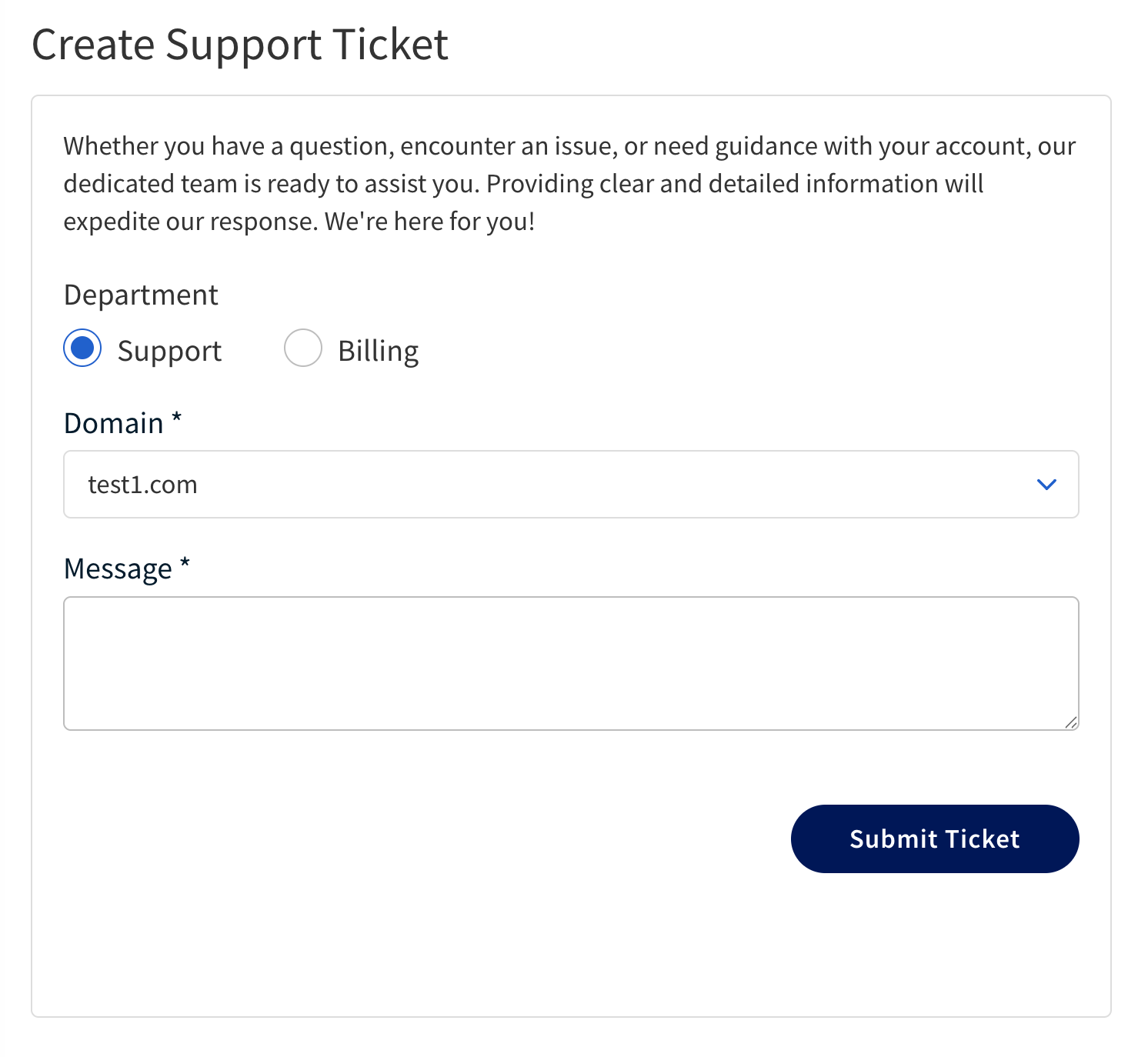
-
Fill out the fields using the information provided in the following table.
Field Description Department
Select the appropriate category for your issue.
The possible categories are:
-
Billing — For issues related to billing, payments, or subscription management.
-
Support — For technical issues, questions about features, or assistance with using the dashboard.
Domain
Enter the domain name of the website associated with your issue, if applicable.
Message
Provide a detailed description of the issue you are experiencing, including any relevant error messages, steps to reproduce the issue, and any troubleshooting steps you have already taken.
-
-
After filling out the form, click Submit Ticket to send your ticket to the support team.
The support team will review your ticket and respond with assistance.