Understanding alerts
The Alerts page enables you to view alerts related to certificate usage for your customers. These alerts are generated when certificate usage exceeds certain thresholds based on the available inventory. By monitoring these alerts, you can proactively manage your customers' certificate usage and ensure that they have sufficient inventory to meet their needs.
Alerts can be viewed on the Alerts page.
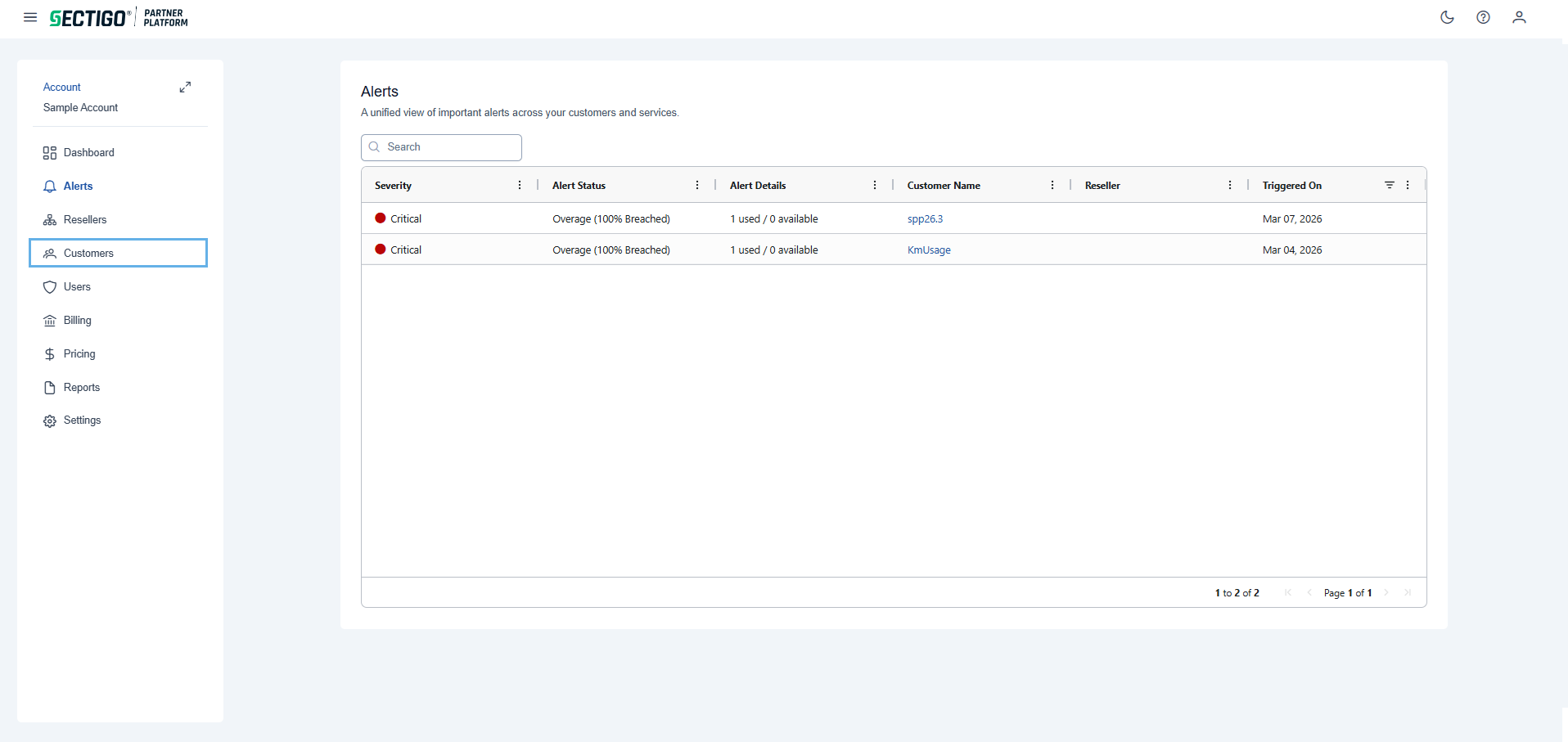
The following table describes the details and controls of the Alerts page.
| Element | Description |
|---|---|
Severity |
The severity of the alert. The possible options are:
|
Alert Status |
The status of the alert, which can be one of the following:
|
Alert Details |
The number of certificates used vs available inventory for the customer associated with the alert. |
Customer Name |
The name of the customer associated with the alert. |
Reseller |
The name of the reseller associated with the alert. |
Triggered On |
The date and time when the alert was triggered. |