Dashboard
The Dashboard page enables you to set the default language for the SiteLock Dashboard for your customers.
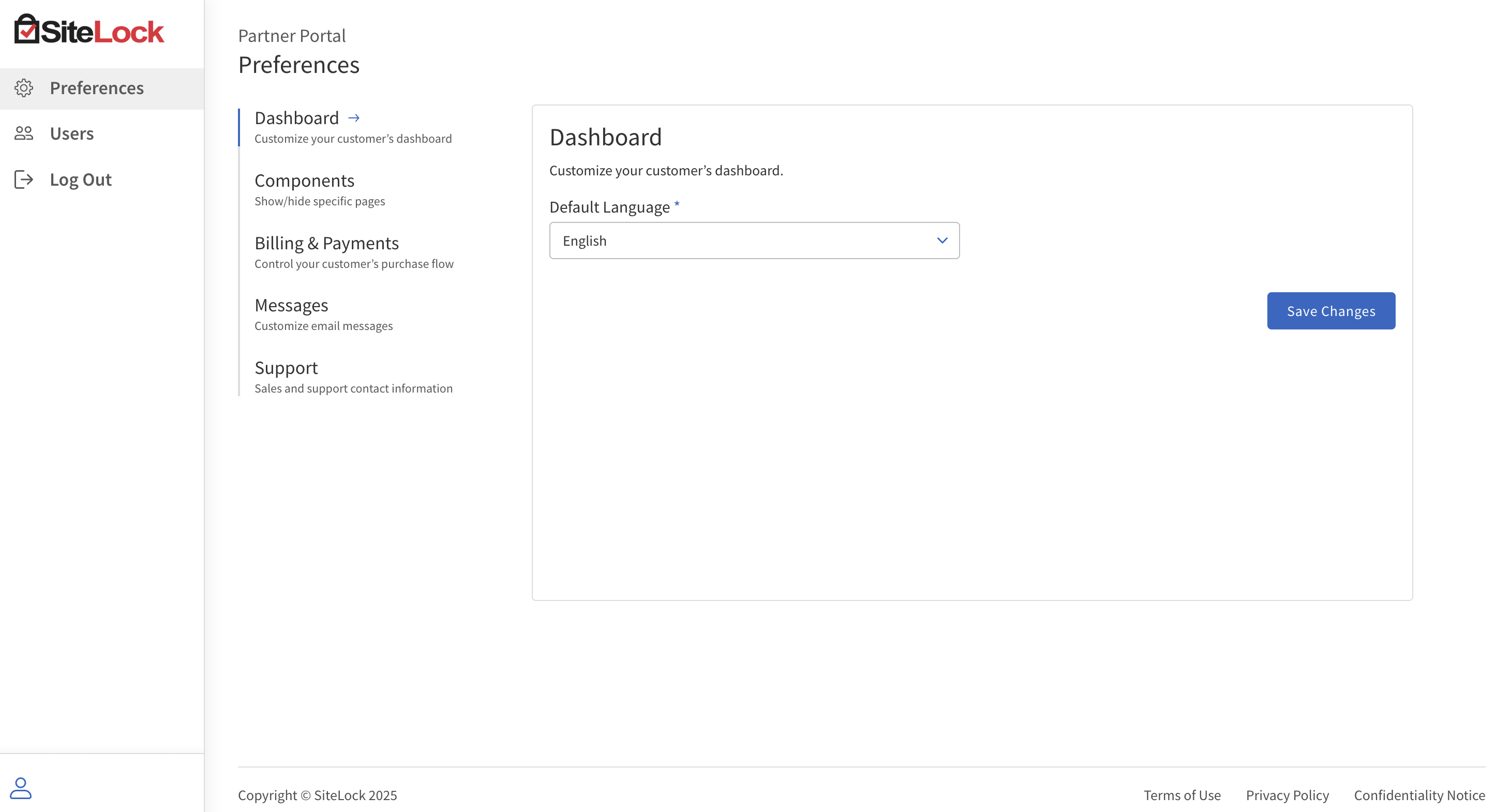
Set the default language for customer dashboards
-
Log in to the SiteLock Partner Experience Dashboard.
-
In the left navigation menu, click Preferences.
-
Click Dashboard.
-
Under Default language, select the default language for the SiteLock Dashboard for your customers.
The available languages are:
-
English
-
German
-
Spanish
-
French
-
Dutch
-
Brazilian Portuguese
-
Japanese
-
-
Click Save Changes.